-
Continue reading →: From Diagram to Agent: Image-to-YAML for Copilot Studio in D365 Contact Center
Copilot Studio allows for transforming visual representations of contact center workflows into YAML formats, streamlining project development. This approach reduces tedious manual input but emphasizes that the generated YAML serves as a draft, requiring thorough review. Proper grounding in one’s environment enhances accuracy, helping design effective conversational agents in Dynamics…
-
 Continue reading →: 4,000 Weeks, Microsoft Copilot, and the Productivity Trap
Does copilot make you more efficient?
-
 Continue reading →: Multi-Session Copilot Co-Authoring in Word: Results and Errors
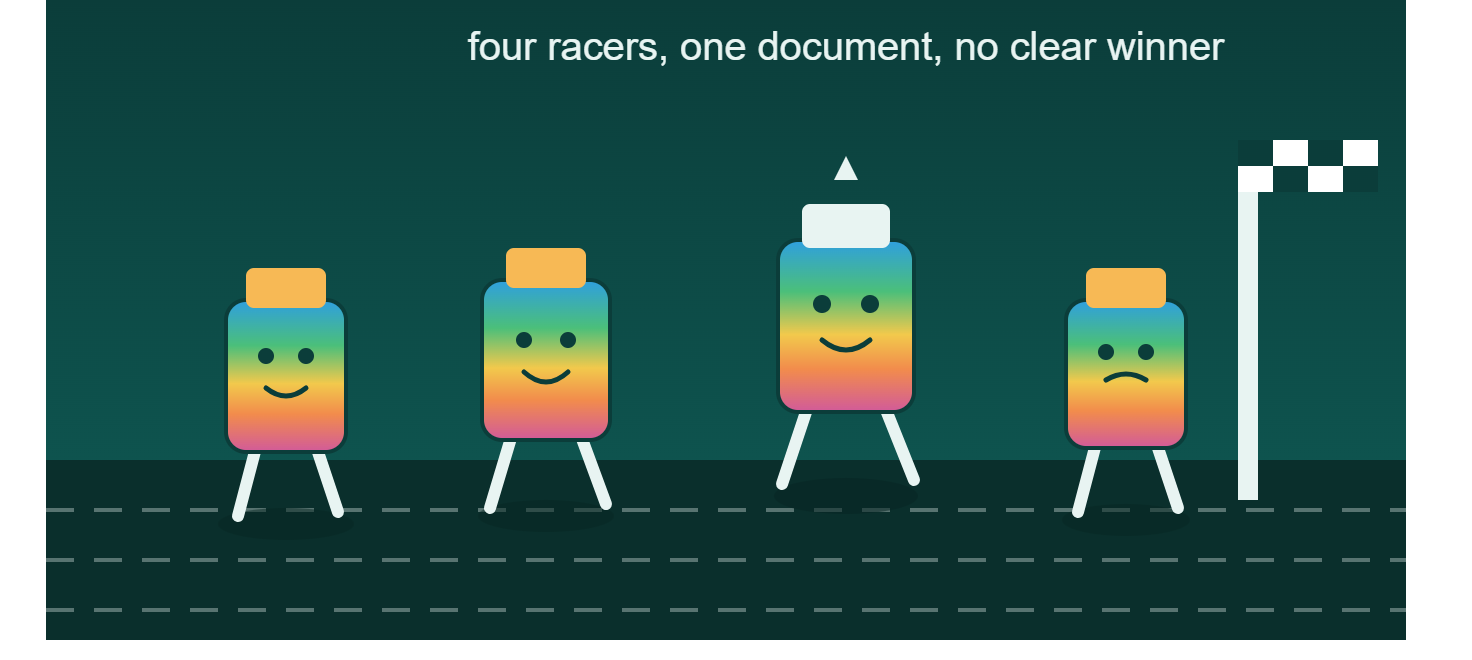
I ran 4 Copilot sessions in Word at once, each with a different persona. Here’s what worked, what errored out, and what I’d actually recommend.
-
 Continue reading →: Collaboration with OneDrive vs. Teams vs. SharePoint
One of the most common challenges I see across organizations isn’t a lack of technology, it’s confusion about which tool to use when relating to collaboration. Microsoft 365 gives us an incredibly powerful ecosystem. But with tools like OneDrive, Teams, SharePoint—and now the evolving Copilot landscape people often ask: “Where…
-
Continue reading →: What Is the Teams Catch Up Feature and How Does It Work?
Microsoft Teams is introducing the Catch Up feature for its mobile app, designed to help users quickly identify messages needing attention. This consolidated view displays relevant notifications in a card-based layout, allowing users to respond easily without opening individual conversations. The rollout is expected to be complete by June 2026.
-
 Continue reading →: Teaching Your AI Coworker
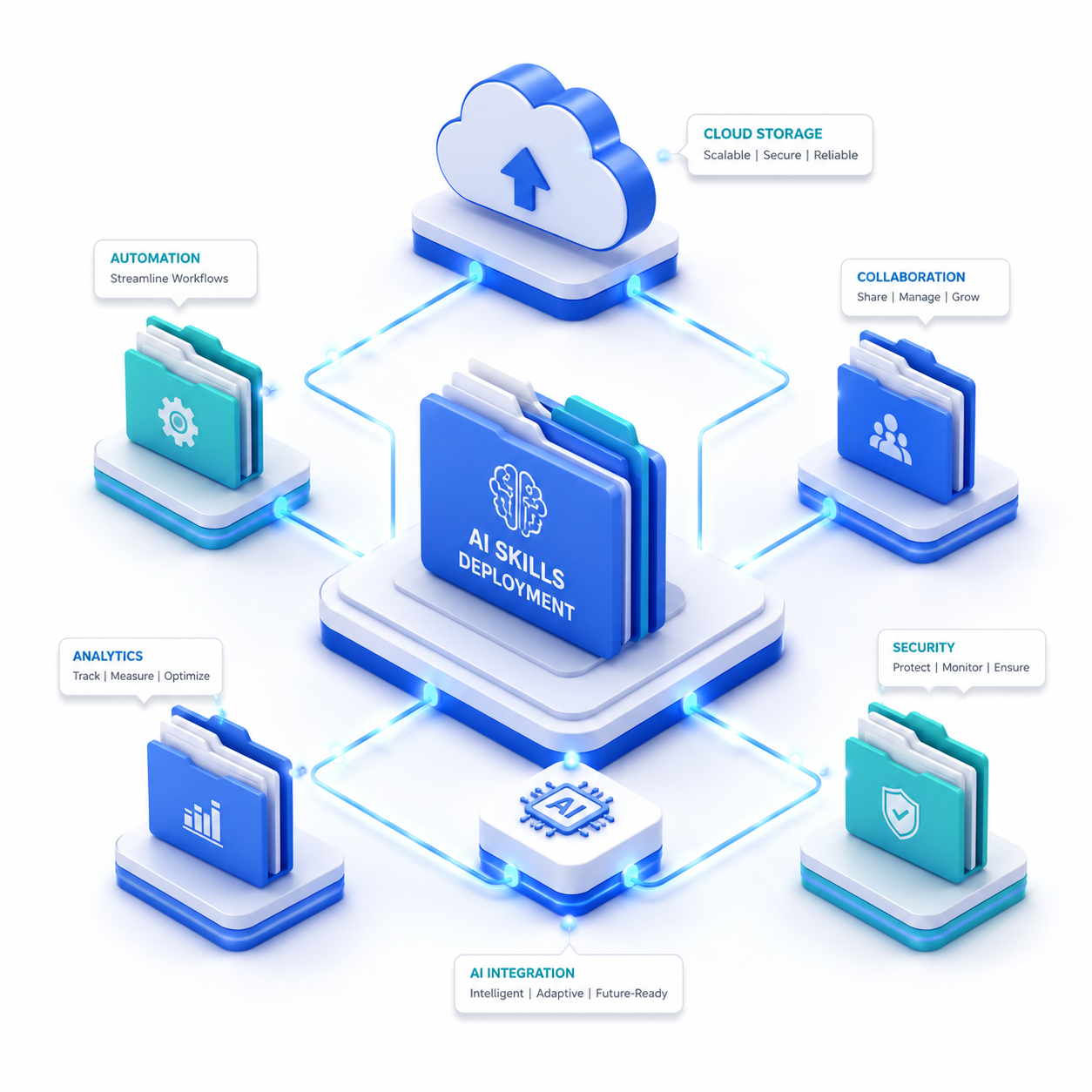
The article discusses two leading AI platforms, Claude Cowork and Copilot Cowork, both utilizing a similar `SKILL.md` file format for custom skills that facilitate user workflows. It defines “skills” as structured instructions for AI execution, highlighting the differences in deployment and user experience between the two platforms while emphasizing the…
-
 Continue reading →: Cowork steps off the desktop
Microsoft’s Copilot Cowork is now available on mobile, improving task management during busy moments. Users can delegate tasks, prepare for meetings, and approve actions seamlessly through their phones. This transformation allows for ongoing productivity without constant desktop access, while still emphasizing careful prompt crafting and essential approval checks.
-
 Continue reading →: Key Benefits of Real-Time Voice Agents for Customer Support
Jordan Wilson highlighted seven recent AI updates, focusing on Microsoft Copilot’s real-time voice agents for Dynamics 365 Contact Center, including setup guidelines, limitations, and testing considerations for efficient deployment.
-
 Continue reading →: Community Means Showing Up
The Microsoft 365 Community Conference 2026 in Orlando attracted around 3,000 participants and focused on the evolving role of SharePoint, celebrating its 25th anniversary. Key announcements included the public preview of AI Skills in SharePoint and the introduction of a new Agent Assets library. Emphasizing community support, attendees were encouraged…
-
 Continue reading →: Let Copilot Cowork Dig You Out
After attending the Microsoft 365 Community Conference, returning to a full inbox and backlog can be overwhelming. Copilot Cowork simplifies this by creating actionable plans from user prompts while coordinating tasks across Microsoft applications. With its 13 built-in skills, it aids in prioritizing emails, managing calendar conflicts, and enhancing productivity.
-
 Continue reading →: Your Calendar Just Got a Brain
Microsoft’s new Calendar Instructions feature in Outlook allows users to set rules for meeting management through natural language commands. This capability signifies a shift from traditional prompting to autonomous action, enabling knowledge workers to offload administrative tasks to AI, thus enhancing productivity by freeing up cognitive resources for more significant…
-
Continue reading →: Copilot Hero Prompts
The Monday AI Dispatch series aims to enhance the often-dreaded start of the week by offering practical AI insights, tips, and real stories every Monday. It focuses on optimizing productivity using Microsoft 365 Copilot through useful prompts for Teams, Outlook, Word, Excel, and PowerPoint, transforming work efficiency.
Welcome to Insights! Embrace the journey of learning that awaits you!
Hello,
I’m Pat

Welcome to Insights, where we will discuss all things Microsoft, including the latest features and updates in Microsoft 365 and Dynamics 365, integration strategies to streamline your workflows, comprehensive training programs designed to enhance user skills, and effective user enablement tactics essential for boosting adoption of technology in your organization. We aim to provide valuable insights and practical tips that will empower you to leverage these powerful tools to their fullest potential, driving productivity and innovation in today’s fast-paced digital landscape.
Let’s connect
Join the fun!
Stay updated with our latest content by joining my newsletter.