
Monday AI Dispatch – 03
You know the feeling. A week in Orlando, two hundred sessions to choose from, hallway conversations that spark new ideas, and a notebook full of things you absolutely need to follow up on. You come home energized and then you open Outlook.
The conference is over. The inbox is not.
I want to walk you through how I’ve been using Copilot Cowork to get back on top of things after Microsoft 365 Community Conference, because this is exactly the scenario it was designed for.
What Cowork Actually Is
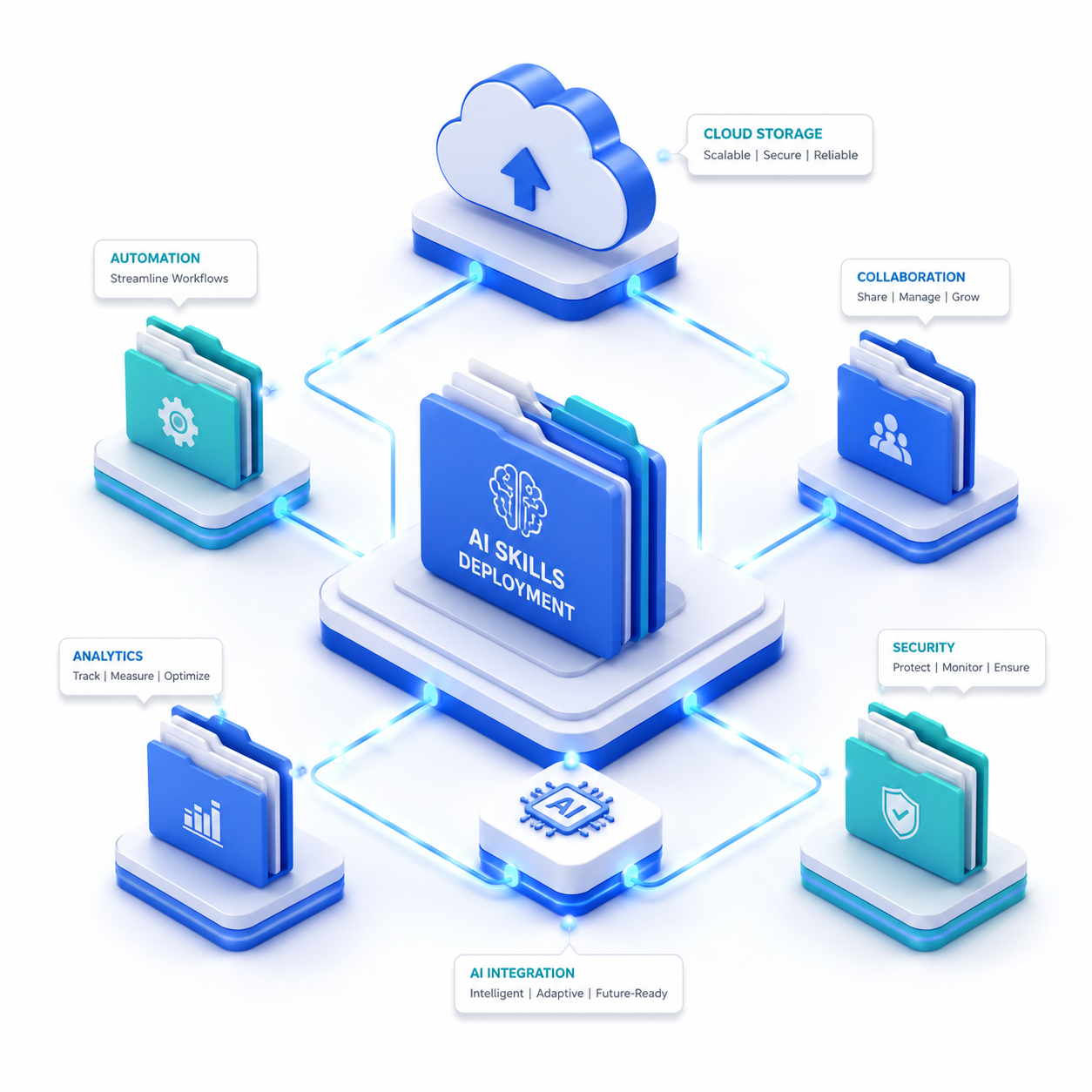
Copilot Cowork is part of Wave 3 of Microsoft 365 Copilot and it’s a meaningful shift in how the product works. Regular Copilot answers questions and generates content. Cowork does something fundamentally different: you describe an outcome, it builds a plan, and that plan runs in the background, coordinating steps across Outlook, Teams, Word, Excel, and SharePoint, checking back in with you at key decision points before taking action. Read more.
The analogy I keep coming back to: the difference between asking your assistant a question and actually delegating work to them.
Cowork has 13 built-in skills; Word, Excel, PowerPoint, PDF, Email, Scheduling, Calendar Management, Meetings, Daily Briefing, Enterprise Search, Communications, Deep Research, and Adaptive Cards.
As of March 30, 2026, Copilot Cowork is live for all customers enrolled in Microsoft’s Frontier program, with no waitlist. If your organization already has a Copilot license, Cowork is available as part of that license through Frontier enrollment.
The Post-Conference Problem
Coming back from an event like M365CON26, you’re typically staring down:
- 500+ unread emails and Teams messages
- Connection requests that need follow-up
- Session notes that need to be turned into something useful
- Promises you made to clients and colleagues in hallway conversations
- Your own calendar, which got populated with things while you were away
This is a coordination problem across multiple apps.
Sample Prompts to Get You Back on Track
Here’s how I work through this, in roughly the order I did it.
Start with the daily briefing to understand what’s on fire:
“Give me a morning briefing focused on what happened while I was out April 21–23. Summarize unread emails by sender and urgency, flag any missed Teams messages that mention my name or need a response, and tell me what’s on my calendar for the rest of this week.”

This is Cowork’s Daily Briefing and Enterprise Search skills working together. It won’t just list things — it’ll surface what actually needs your attention first.
Triage the inbox without touching it yourself:
“I was out of office for a conference April 21–23. Review my unread emails, sort them into three buckets. First needs my response this week, informational only, and can wait or delegate and show me the list before doing anything. Then, once I confirm, move the informational ones to an ‘________________’ folder.”
Handle the calendar damage:
“Look at my calendar for the next two weeks. I was out April 21–23 and several meetings may have landed during that time that I haven’t dealt with. Flag any scheduling conflicts, meetings I need to reschedule, and blocks where I should add focus time to process post-conference work. Propose changes but don’t apply anything until I review.”

What to Expect
Cowork is in Frontier preview, so it’s not finished. When you hand off a task, it turns your request into a plan with clear checkpoints so you can confirm progress, make changes, or pause at any time. It is important that it checks in if it needs clarification and you can see any actions it’s recommending before changes happen. Don’t try to skip the review steps, especially for anything that touches email sending or calendar changes.
The quality of the outcome is also directly related to the specificity of your prompt. Vague delegation produces vague plans. The more context you give Cowork, such as dates, names, what you were trying to accomplish then the more useful its plan will be.
I like attending events, but attending a conference about AI productivity is that the conference itself creates a productivity deficit you have to dig out of. Copilot Cowork doesn’t replace the thinking you need to do after the event, it removes the friction that slows you down getting to it.
That’s the shift worth paying attention to.
Related Content
- https://adoption.microsoft.com/en-us/skilling-events-26004/
- https://techcommunity.microsoft.com/blog/communitynewsdesk/announcing-the-microsoft-365-community-conference-2026/4490129
- https://www.communitydays.org/event/2026-04-19/microsoft-365-community-conference
- https://techcommunity.microsoft.com/blog/microsoft_365blog/your-guide-to-the-microsoft-365-community-conference/4505384
- https://techcommunity.microsoft.com/blog/microsoft_365blog/announcing-the-2026-microsoft-365-community-conference-keynotes/4494714
- https://rsmus.com/events/2026-events/microsoft-community-conference.html
- https://www.microsoft.com/en-us/microsoft-365/blog/2026/03/09/copilot-cowork-a-new-way-of-getting-work-done/
- https://www.microsoft.com/en-us/microsoft-365/blog/2026/03/30/copilot-cowork-now-available-in-frontier/
- https://www.microsoft.com/en-us/microsoft-365/blog/2026/03/09/powering-frontier-transformation-with-copilot-and-agents/
- https://learn.microsoft.com/en-us/microsoft-365/copilot/cowork/
- https://www.microsoft.com/en-us/microsoft-365-copilot/frontier-features
- https://www.aguidetocloud.com/blog/microsoft-copilot-cowork-complete-guide/
- https://www.microsoft.com/en-us/microsoft-365/roadmap
- https://buckleyplanet.com/2026/04/5-things-you-need-to-know-about-copilot-cowork/




Leave a Reply