The COVID-19 pandemic has transformed the way we work, communicate, and collaborate. For many organizations, Microsoft Teams became an essential tool to stay connected, productive, and secure in the face of unprecedented challenges. As a result, Teams saw a massive surge in usage, reaching 145 million daily active users in April 2021, up from 75 million in April 2020.
Teams is more than just a platform for video calls and chats; it also serves as a hub for teamwork, allowing users to access, share, and co-create files, apps, and resources with colleagues and external partners. The platform continues to evolve to meet the diverse and changing needs of its users, with ongoing additions and improvements to its features since 2020.
Enhanced meeting experience
One of the most noticeable changes in Teams is the improved meeting experience, which offers more options and flexibility for participants and organizers. Some of the new features include:
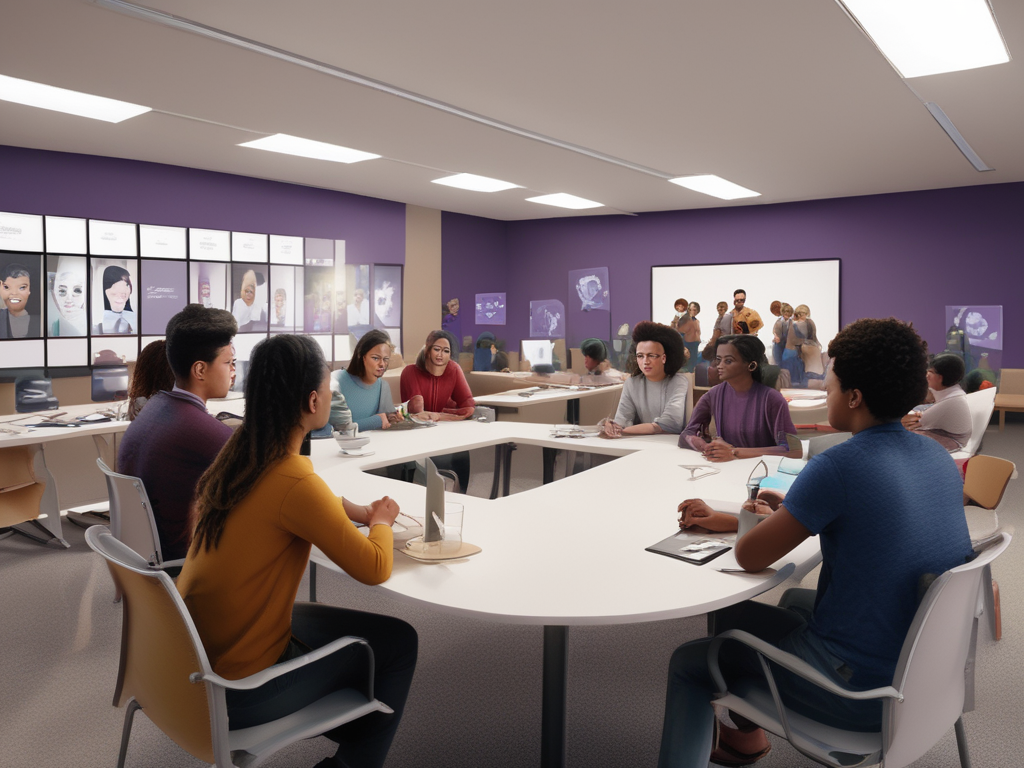
- Together mode: This feature uses AI to place participants in a shared virtual background, such as an auditorium, a coffee shop, or a classroom. Together mode creates a more natural and engaging meeting experience, as it reduces distractions, makes eye contact easier, and fosters a sense of community.
- Dynamic view: This feature automatically adjusts the layout of the meeting based on the number and type of participants, the content being shared, and the user’s preferences. Dynamic view allows users to customize their view, such as pinning or spotlighting a video, muting or unmuting participants, and showing or hiding the chat and participant pane.
- Breakout rooms: This feature allows meeting organizers to split the main meeting into smaller groups for brainstorming, discussion, or learning activities. Breakout rooms can be created manually or automatically, and the organizer can join, switch, or broadcast messages to any room. Breakout rooms can also have their own chat, files, and whiteboard.
- Live captions and transcripts: This feature uses AI to generate real-time captions and transcripts of the meeting, which can help participants who are deaf, hard of hearing, or have different language preferences. Live captions and transcripts can also be useful for capturing key points, action items, and follow-ups from the meeting.
- Live events: This feature allows users to host and stream large-scale events, such as webinars, town halls, or conferences, to up to 20,000 attendees. Live events can be interactive, with Q&A, polls, and reactions, or broadcast-only, with moderated chat. Live events can also be recorded and made available on demand.
Integrated apps and workflows
Another key aspect of Teams is the ability to integrate apps and workflows into the platform, which can enhance productivity, collaboration, and innovation. Teams supports over 700 apps, including Microsoft 365 apps, third-party apps, and custom apps. Some of the new features that enable app integration are:
- Teams templates: This feature allows users to create and customize teams based on predefined templates for common scenarios, such as project management, crisis response, or employee onboarding. Teams templates include pre-configured channels, tabs, apps, and settings, which can save time and ensure consistency across teams.
- Power Platform: This feature allows users to build and use low-code or no-code apps, bots, and workflows within Teams, using the Power Apps, Power Virtual Agents, and Power Automate tools. Power Platform can help users automate tasks, streamline processes, and solve business problems without requiring coding or IT support.
- Lists: This feature is a Microsoft 365 app that allows users to create and share lists of information, such as tasks, issues, inventory, or contacts, within Teams. Lists can help users track and organize data, collaborate with others, and visualize information using different views, filters, and rules.
- Viva: This feature is an employee experience platform that integrates with Teams and other Microsoft 365 apps, and aims to support the well-being, learning, knowledge, and engagement of remote and hybrid workers. Viva consists of four modules: Viva Connections, which provides a personalized gateway to the organization’s resources and news; Viva Insights, which provides data-driven insights and recommendations to improve productivity and well-being; Viva Learning, which provides a central hub for learning and development opportunities; and Viva Topics, which uses AI to create topic pages that surface relevant knowledge and experts.
Microsoft Teams is more than just a communication and collaboration platform. It is also a platform for innovation, where users can leverage the power of AI, apps, and data to create and customize solutions that suit their needs and goals. Teams has evolved significantly since 2020, and continues to do so, to provide the best possible experience for its users in the post-pandemic world.





Leave a Reply