
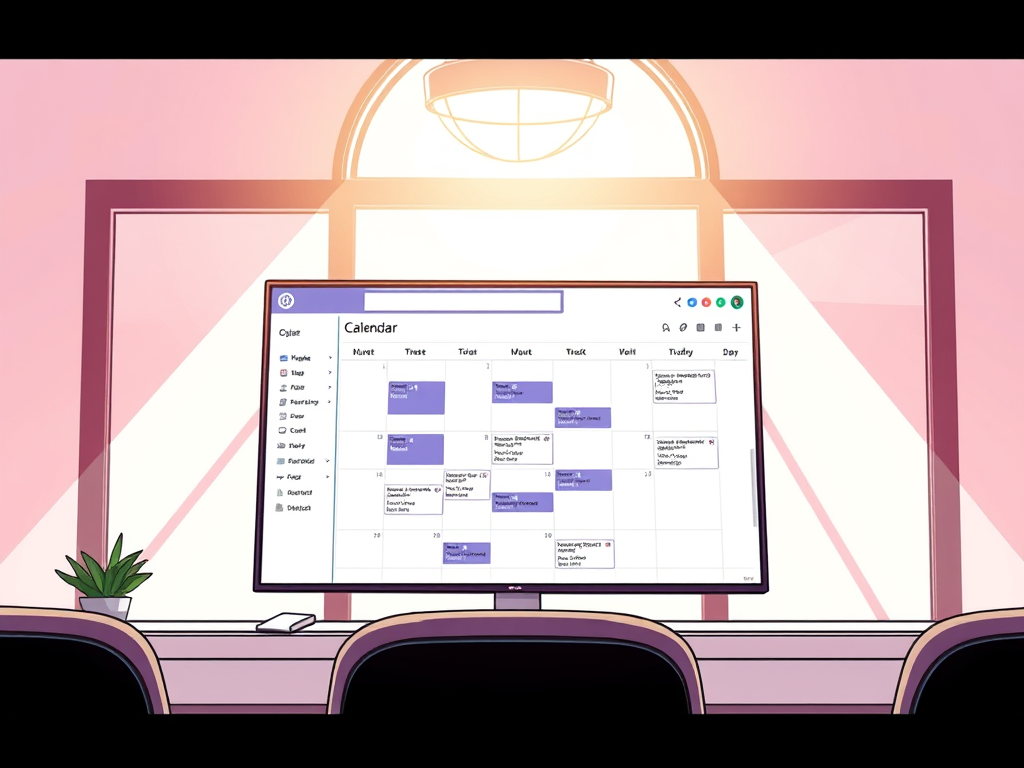
With its continuous evolution, Teams is now more than just a platform for chat and video calls. Teams has grown to encompass a wide range of functionalities that show seamless workflow management. One of the most significant updates in recent times is the new calendar experience, which draws striking parallels to Outlook. In this post, I will delve into the new calendar features in Microsoft Teams, explore their similarities with Outlook, and highlight the benefits for users.
Integration and Unified Experience
The new calendar experience in Microsoft Teams is designed to offer a unified scheduling solution. By closely mirroring Outlook’s interface and functionalities, Teams aims to create a seamless transition for users who are accustomed to Outlook. The new look and feel ensures that users can effortlessly manage their schedules, appointments, and meetings without having to switch between different applications.
Familiar User Interface
One of the most immediate similarities between the Teams calendar and Outlook is the user interface. The calendar in Teams adopts a layout that is like Outlook. Users will find the grid view, where days and times are clearly delineated, making it easy to see and manage appointments at a glance. The color-coded events and appointments further enhance the visual appeal and functionality, allowing users to quickly distinguish between different types of entries.
Day, Week, and Month Views
Just like in Outlook, the Teams calendar offers multiple viewing options, including day, week, and month views. This flexibility enables users to choose the perspective that best suits their planning needs. The day view provides a detailed hourly breakdown, ideal for managing a busy schedule with numerous appointments. The week view offers a broader snapshot, perfect for planning ahead, while the month view gives an overview of long-term commitments and deadlines.

Saving Views
Another feature that Teams allows is the ability to save views. Have you ever wanted to add a few calendars and then easily recall those? With Saved Views, you can now do that! Create the view, select the current view dropdown (Day), then select Saved Views, then Save Current View

Drag and Drop Functionality
Another feature that Teams borrows from Outlook is the drag-and-drop functionality. Users can easily move appointments and meetings by simply dragging them to a new time slot. The ability to drag and drop events is particularly useful for users who frequently need to adjust their schedules.
Integration with 365
The integration of the Teams calendar with the broader Microsoft 365 ecosystem is another area where it mirrors Outlook.
Real-Time Updates
Changes made in one application are instantly reflected in the other. This synchronization ensures that you are working with the most up-to-date appointments.
Access to Shared Calendars
Just as in Outlook, Teams allows access shared calendars, making it easier to coordinate with colleagues.

Additional Features and Benefits
Beyond the similarities with Outlook, the new calendar experience in Teams introduces several additional features that enhance usability and provide further benefits to users.
Inline Message Integration
Teams takes advantage of its chat-based platform by integrating inline messages within calendar entries. Users can initiate and participate in conversations related to specific meetings directly from the calendar. This integration fosters real-time communication and collaboration, allowing users to discuss agenda items, share documents, and coordinate logistics without leaving the calendar interface.

The new calendar experience in Microsoft Teams represents a significant advancement in scheduling and time management. By mirroring the familiar and robust features of Outlook, Teams offers a unified experience for users. The integration with the Microsoft 365 ecosystem, coupled with additional features like inline message integration and mobile accessibility, makes the Teams calendar a powerful tool.
As organizations continue to navigate the complexities of remote and hybrid work, the enhanced calendar experience in Teams will undoubtedly play an important role in streamlining schedules, improving coordination, and boosting overall productivity. Whether you are a long-time Outlook user or new to the Microsoft ecosystem, the Teams calendar is designed to meet your needs and help you manage your time effectively.







Leave a Reply