-
 Continue reading →: The Contact Center Model is Shifting Fast
The future of customer service is evolving towards a unified, AI-powered experience, with Gartner predicting that by 2028, 60% of organizations will adopt these systems. Agentic AI will autonomously handle 80% of common inquiries by 2029, prompting organizations to adapt their service models and redefine agent roles for enhanced efficiency.
-
 Continue reading →: Don’t sleep on Copilot Chat
Copilot Chat is an AI-powered assistant that enhances productivity with Microsoft 365, helping users automate tasks, generate content, and streamline workflows.
-
 Continue reading →: Maximizing Microsoft 365 Adoption in Banks
The document discusses the necessity for banks to leverage Microsoft 365 effectively amidst evolving financial regulations and cybersecurity challenges, enhancing innovation and compliance.
-
 Continue reading →: Enhancing Caller Identification with Phone Matching in D365 Contact Center
When implementing Microsoft Dynamics 365 Contact Center, one of the most valuable user experience improvements is phone matching. This accurate and dynamic customer identification is especially important when handling voice calls. Out of the box, D365 only checks a limited set of fields (e.g., telephone1), which can lead to missed…
-
 Continue reading →: Companion App in Dynamics 365 Contact Center
The Companion App for Dynamics 365 Contact Center enhances agent efficiency by providing seamless access to channels, ensuring uninterrupted service during web app issues, and supporting improved customer interactions.
-
 Continue reading →: When Your Twin Is Your Key
Facial recognition offers convenience but poses security risks for identical twins, who can unlock each other’s devices. This highlights the need for additional security measures.
-
 Continue reading →: Time Isn’t on Our Side
The “Infinite Workday” challenge shows work hours blurring, with increased online activity and disruptions affecting focus, urging organizations to redesign work for better productivity.
-
 Continue reading →: Stream Deck + Microsoft Teams
The Elgato Stream Deck enhances remote work productivity by enabling easy control of Microsoft Teams, reducing distractions and improving the meeting experience with one-touch commands.
-
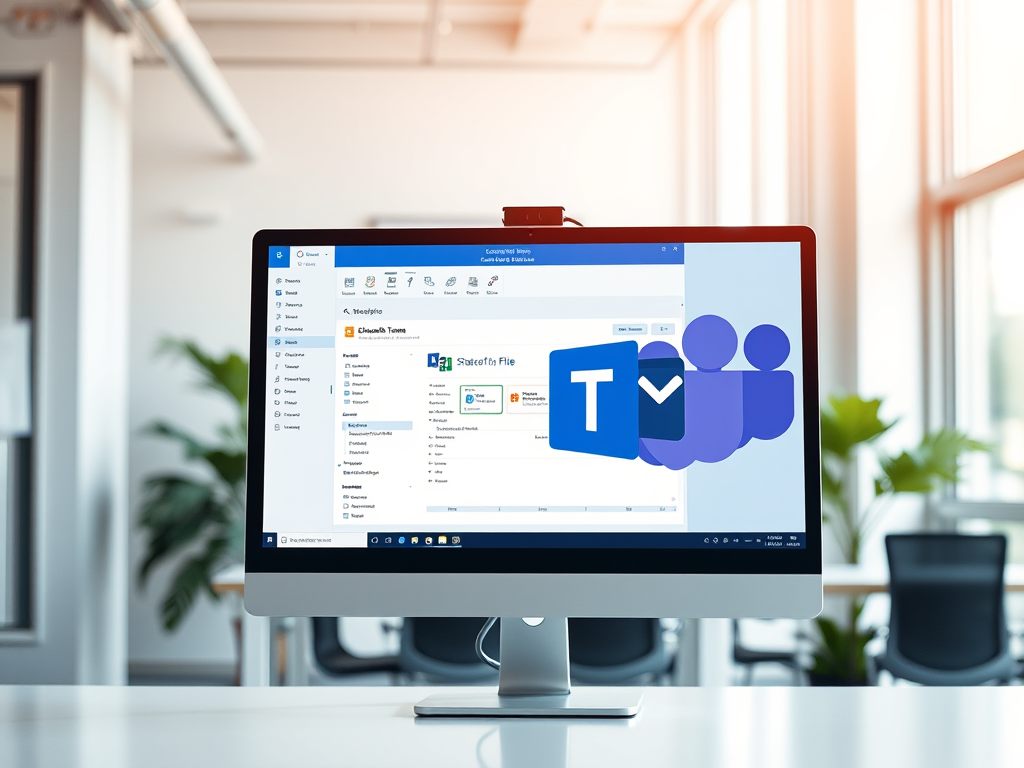 Continue reading →: From Classic to Connected: Creating a Microsoft Team from a SharePoint Site
The post discusses modernizing Classic SharePoint sites by connecting them to Microsoft 365 Groups and creating Microsoft Teams. It details the step-by-step process, highlighting benefits like enhanced collaboration and preserving existing content.
-
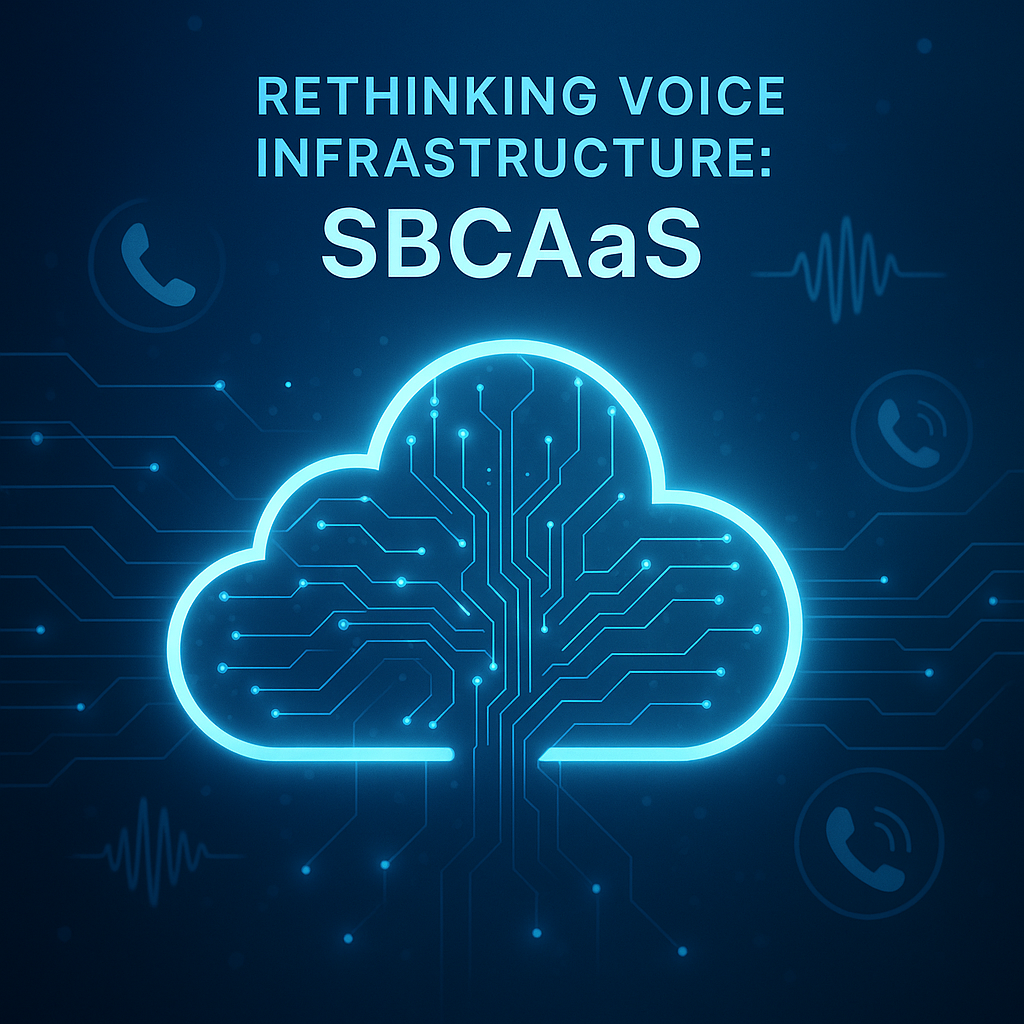 Continue reading →: Rethinking Voice Infrastructure: SBCaaS
Organizations are shifting to cloud-native SBCaaS for enhanced scalability, cost-efficiency, and flexibility in voice infrastructure, requiring thorough planning, extensive testing, and clear communication during the transition process.
-
 Continue reading →: Managing Call Recordings in Dynamics 365
In the data-driven era, organizations using Microsoft Dynamics 365 Contact Center must reconsider the retention of call recordings due to compliance laws, storage costs, security risks, and system efficiency. Regularly deleting outdated recordings can enhance management and performance, while mitigating potential data breaches and unnecessary expenses.
-
 Continue reading →: Empowering Collaboration and Streamlining Productivity: Leveraging Automation in Microsoft Teams
In today’s fast-paced business environment, organizations are constantly seeking ways to enhance collaboration and streamline productivity. One of the most effective ways to achieve these goals is by leveraging automation in Microsoft Teams. This blog post will explore the key points from the presentation “Empowering Collaboration and Streamlining Productivity: Leveraging…
Welcome to Insights! Embrace the journey of learning that awaits you!
Hello,
I’m Pat

Welcome to Insights, where we will discuss all things Microsoft, including the latest features and updates in Microsoft 365 and Dynamics 365, integration strategies to streamline your workflows, comprehensive training programs designed to enhance user skills, and effective user enablement tactics essential for boosting adoption of technology in your organization. We aim to provide valuable insights and practical tips that will empower you to leverage these powerful tools to their fullest potential, driving productivity and innovation in today’s fast-paced digital landscape.

Let’s connect
Join the fun!
Stay updated with our latest content by joining my newsletter.