-
Continue reading →: Step-by-Step Guide to Using ZoomIt for Presentations
Preparing for my presentation at the MCT Summit, let’s review some of the tools that allow for an enhanced presentation. One of those that I’ve been using for well over a decade is a tool called ZoomIt. ZoomIt is a tool that allows presenters to mark up their screen zoom…
-
 Continue reading →: Securely Request Files in OneDrive and SharePoint
OneDrive and SharePoint’s File Request tool simplifies collecting files from others securely. It eliminates confusion caused by emails and shared folders, allowing users to create a special link for file uploads without granting folder access. This feature offers safety, organization, and efficiency, making it ideal for various professional scenarios.
-
 Continue reading →: Putting the focus back in Focus time
Focus time helps schedule uninterrupted work periods in Outlook.
-
 Continue reading →: Organizing Microsoft Teams chat and channels into sections
Microsoft Teams introduces custom sections for organizing chats and channels, enhancing productivity by reducing clutter and prioritizing conversations for better navigation and management.
-
 Continue reading →: Boost User Engagement with Live Technical Training
Live training is essential for effective user engagement in technology. Unlike video-based training, in-person sessions encourage active participation, provide real-time feedback, and facilitate hands-on practice. This approach enhances learning retention and skill development, resulting in improved productivity and reduced errors, justifying the investment despite perceived costs.
-
 Continue reading →: Explore Microsoft Teams’ New Calendar Features
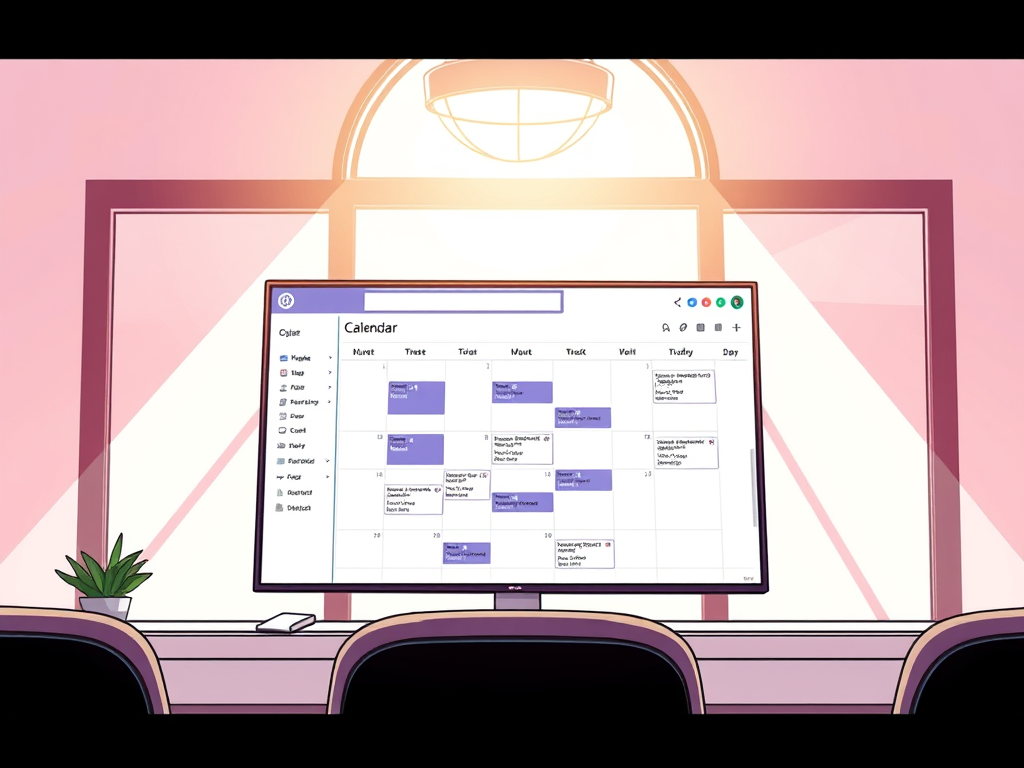
Microsoft Teams has evolved beyond chat and video calls, now offering an integrated calendar experience similar to Outlook. Key features include familiar user interface options, day/week/month views, saved views, drag-and-drop functionality, and real-time updates. This unified approach enhances productivity, especially for remote and hybrid work environments.
-
Continue reading →: Highlights from Microsoft Ignite 2024
Recap from Microsoft Ignite from Pat Petersen and Jonathan Blaue. Many topics were talked about including Copilot, Microsoft Teams, Azure Local, Agents and more! Project Agent – https://techcommunity.microsoft.com/blog/plannerblog/unleashing-the-power-of-agents-in-microsoft-planner/4304794 Facilitator Agent – https://support.microsoft.com/en-us/office/frequently-asked-questions-about-facilitator-in-microsoft-teams-f7317b78-fd53-4cfe-88f0-f0a0751a4150M365 Admin Center Copilot – https://learn.microsoft.com/en-us/copilot/microsoft-365/copilot-for-microsoft-365-adminEmployee Self Service Agent – https://techcommunity.microsoft.com/blog/microsoft365copilotblog/introducing-the-employee-self-service-agent-in-microsoft-365-copilot/4297037Secure Future Initiative – https://www.microsoft.com/en-us/trust-center/security/secure-future-initiative?msockid=309378a661c56d3e3c336de160a46c23SharePoint Agents – https://adoption.microsoft.com/en-us/agents-in-sharepoint/Window 365…
-
 Continue reading →: New Teams Chat and Channel Update: Enhanced User Interface
The latest updates to Microsoft Teams enhance user experience, making communication and collaboration more effective. A revamped interface simplifies navigation, while customizable settings improve team management. New features boost productivity and engagement, fostering better relationships among team members. These advancements signal Microsoft’s commitment to continuous improvement in team collaboration tools.
-
Continue reading →: Low Code No Code – Start to Finish – building your automation
It was an honor to present at the conference today! below is the presentation to download. Using Power Automate can be overwhelming. During this session, we will review the benefits of automation, best practices for configuration, and integration with other tools. The workflow that will be built using hands on…
-
 Continue reading →: Maximize Customer Service with Teams Queues app
The Teams Queues app enhances Microsoft Teams by providing advanced features for managing call queues, allowing authorized users to oversee and interact with calls efficiently. It offers real-time statistics and historical reporting to improve customer interactions within various industries, such as customer service, healthcare, sales, and finance, all under streamlined…
-
 Continue reading →: Unlocking Microsoft Teams Premium: Virtual Appointments Explained
Microsoft Teams Premium offers a valuable add-on featuring Virtual Appointments, enabling efficient customer interaction without travel. It integrates with Microsoft Bookings for streamlined scheduling, notifications, and management. This tool enhances productivity and convenience across various sectors, allowing businesses to optimize services and improve customer satisfaction with seamless virtual meetings.
-
 Continue reading →: Understanding Copilot and Microsoft 365 Copilot Features
Copilot is a general AI assistant for various tasks using web data, while Copilot for Microsoft 365 integrates specifically with Microsoft 365 apps, utilizing organizational data from Microsoft Graph. The latter offers higher contextual awareness, enterprise data protection, and is a licensed product, enhancing task automation and document creation in…
Welcome to Insights! Embrace the journey of learning that awaits you!

Hello,
I’m Pat

Welcome to Insights, where we will discuss all things Microsoft, including the latest features and updates in Microsoft 365 and Dynamics 365, integration strategies to streamline your workflows, comprehensive training programs designed to enhance user skills, and effective user enablement tactics essential for boosting adoption of technology in your organization. We aim to provide valuable insights and practical tips that will empower you to leverage these powerful tools to their fullest potential, driving productivity and innovation in today’s fast-paced digital landscape.

Let’s connect
Join the fun!
Stay updated with our latest content by joining my newsletter.