-
 Continue reading →: Boost Team Productivity with Microsoft Teams Adaptive Cards
Over the past 5 years, we have witnessed a lot of changes in workers, the workplace and technology. In today’s fast-paced environment with everything happening within quickly, integrating items within a single application is essential for end user productivity. Using Microsoft Teams can offer a robust feature set to enhance…
-
 Continue reading →: Connecting a Rotary Phone to Microsoft Teams
With the focus on smart phones and Teams enabled devices, the idea of using a classic Mickey Mouse rotary phone from my childhood with Microsoft Teams might seem both whimsical and impractical. However, with the right hardware and a bit of technical know-how, it’s entirely possible to bridge the past…
-
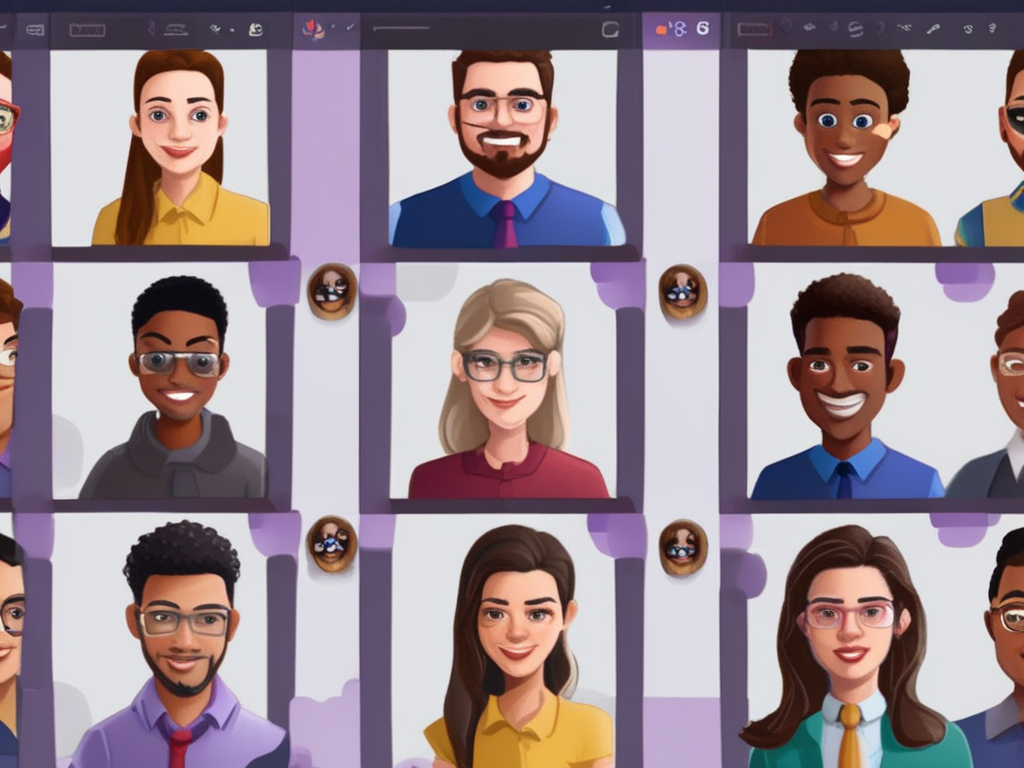 Continue reading →: Enhancing your reactions | Adding custom emojis to Teams
Users can now upload and use custom emojis in Teams chats and channels to personalize messaging. In this post, we will review the process to add your own custom emojis to your organization. Admins can control who can create and delete custom emojis through the Teams Admin Center through messaging…
-
 Continue reading →: A reflection after the pandemic through the eyes of Microsoft Teams
The COVID-19 pandemic has led to a surge in Microsoft Teams usage, reaching 145 million daily active users in April 2021. Teams offers enhanced meeting experiences with features like Together mode and dynamic view, and integrates over 700 apps and workflows. Its evolution aims to cater to diverse user needs…
-
 Continue reading →: Exploring Microsoft Teams Voice: Hybrid Work, Call Queues, Physical Devices, and Call Quality
Often, I get asked what is Teams Voice. My goal of this post is to provide a high-level overview of the features, including benefits and challenges of Microsoft Teams Voice, a cloud-based telephony solution that integrates with Microsoft Teams. Scenario 1 – Hybrid Work Scenario 2 – Call Queues Scenario…
-
 Continue reading →: The Power of Reflection: How Looking Back Can Help Us Move Forward
Every four years we are given an additional day in February. During this “bonus” day, I often will take some time to reflect on what the last four years were and on this particular year, we can all admit that the last four years have seen a range of emotion.…
-
 Continue reading →: Shortcuts to New Documents, Spreadsheets or Presentations
Microsoft Office 365 continues to be the suite of productivity applications. The collection of apps allows users with access to Microsoft Excel, Microsoft Teams, Microsoft Outlook, Microsoft PowerPoint, and more. Typically, to access these platforms you would first need to download the Microsoft 365 app. Once downloaded, then you can navigate…
-
Continue reading →: OneDrive App replacing Files in Teams
Microsoft recently announced that it’s started replacing the Files App within Teams with OneDrive in the new Teams app. With this OneDrive app, users will be able to easily find their files, browse for files by People or meetings as well as unify the experience across Microsoft 365. To…
Welcome to Insights! Embrace the journey of learning that awaits you!

Hello,
I’m Pat

Welcome to Insights, where we will discuss all things Microsoft, including the latest features and updates in Microsoft 365 and Dynamics 365, integration strategies to streamline your workflows, comprehensive training programs designed to enhance user skills, and effective user enablement tactics essential for boosting adoption of technology in your organization. We aim to provide valuable insights and practical tips that will empower you to leverage these powerful tools to their fullest potential, driving productivity and innovation in today’s fast-paced digital landscape.

Let’s connect
Join the fun!
Stay updated with our latest content by joining my newsletter.